What to Look For in a Hours Tracker App: Nurses, Bartenders & Freelancers
What to Look For in a Hours Tracker App
Search “hours tracker” in the App Store and you get hundreds of results, most of which are glorified stopwatches. When you pick by ratings alone, you can easily end up with an app that collapses the first time your shift crosses midnight.
The right way to choose is to start from your schedule, not from the app's screenshots. Here is the checklist that matters, broken down by the three job types that ask this question most often.
The universal checklist
Before anything else, every tracker you consider should handle:
- Manual entries — you will forget to clock in sometimes. Can you add a past shift in seconds?
- Break deduction — does an 8-hour shift with a 30-minute lunch record 7.5 hours, not 8?
- Multiple jobs or rates — can you track a café job and a delivery gig at different hourly rates without creating two accounts?
- Export — can you get your data out as CSV or PDF, filtered by date? (Some apps are export-shaped but make it painful.)
- Privacy — is your timesheet stored on your device, or mined for ads and profile data?
Everything below that is job-specific.
Nurses & healthcare workers
Your shifts are the hardest to track: 12 hours, rotating nights, stat holidays, and overtime rules that vary by province or state.
Must-haves:
- night shift support — a 19:00–07:00 shift must survive midnight as one accurate entry
- Daily overtime thresholds — many nursing contracts pay OT after 7.5 or 8 hours in a single shift, not after 40 in a week
- Tax preview — you want to know take-home, not just gross, before you agree to extra shifts
- Notes on shifts — unit, charge duties, on-call detail
Bartenders, servers & restaurant staff
Your money is a mix of an hourly base, tips, split shifts and late-night overtime — and your phone is in your pocket, not your bag, for the whole shift.
Must-haves:
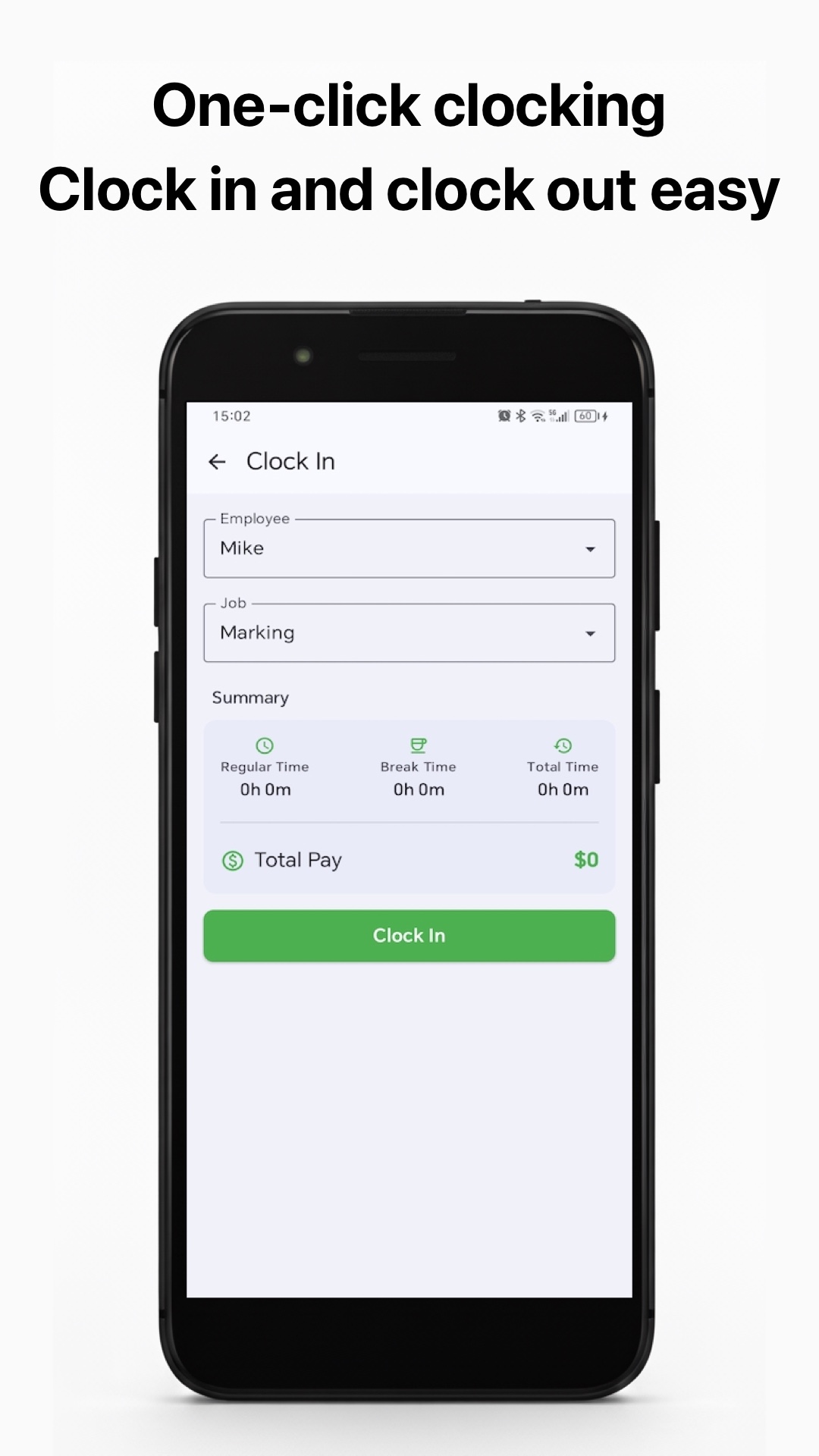
- One-tap clock in/out — because nobody is typing start times while carrying three drinks
- Split shifts — a lunch shift and a dinner shift the same day should be two entries that sum correctly
- Overtime after midnight — close at 2 a.m. means OT math that crosses dates
- Show/hide pay — glance at totals privately when tips are being counted at the bar
Freelancers & contractors
Your timesheet is your invoice evidence. If it is sloppy, you get questions; if it is clean, you get paid.
Must-haves:
- Per-client or per-job tracking — each project at its own rate, with its own report
- Clean PDF export with summaries — attach it straight to the invoice
- Date-range filters — invoice the month, not the noise
- CSV for your accountant — machine-readable backup of everything
Red flags to avoid
- ❌ “Syncs to our cloud” as the only option — your work hours are your business; look for on-device/iCloud-first storage
- ❌ Ads that interrupt the clock-in flow — an interstitial popping up as you tap clock-in is a tracking bug
- ❌ Export locked behind a subscription — you should never be blocked from your own data
- ❌ No manual entry — life happens; the app should be forgiving
- ❌ night shifts become two rows — run away from any app that requires this
What Hours Tracker: Work Log & Pay covers
Built for the schedules above, Hours Tracker includes: one-tap clock in/out; breaks and overtime tracked separately; night shifts handled across midnight; manual and batch add for catching up; weekly/bi-weekly/semi-monthly pay periods; per-job rates with overtime multipliers and tax preview; multi-employee tracking for small teams; PDF/CSV export with date/employee/job filters; reminders for start, end and extended sessions; and iCloud sync — with no account required and time logs kept on your device and iCloud.
A full feature walkthrough is in the product tour.
Try the checklist against your own week
If your current spreadsheet or app fails even one of the items above, download Hours Tracker and compare against your real schedule: