Excel Timesheet vs a Dedicated Hours Tracker App: Which Wins in 2026?
Excel Timesheet vs a Dedicated Hours Tracker App
Almost everyone starts with Excel (or Google Sheets). It is free, familiar, and you already have it. But there is a reason thousands of shift workers search for “hours tracker app” every month — and it isn't because they dislike spreadsheets.
This is an honest comparison. Excel genuinely wins some categories. The question is which job you are actually hiring the tool to do.
Where Excel still wins
- Total freedom — you can build literally any layout, formula or report you can imagine.
- No learning curve for the basics — typing a time into a cell works fine for a simple 9-to-5, Monday-to-Friday week.
- Free (if you already own Office) — and Google Sheets is free outright.
If you work a single job, never cross midnight, never work overtime and never need to prove your hours to anyone… Excel is honestly fine. But each of those conditions is exactly where a spreadsheet starts costing you time or money.
Where dedicated hours trackers win
1. night shifts that cross midnight
A 22:00–06:00 shift breaks naive Excel formulas. You end up with negative durations, 16-hour phantom shifts, or a manual split into two rows that you must remember to keep in sync. A purpose-built tracker treats the shift as one continuous entry and handles the day boundary automatically.
2. Overtime and pay math
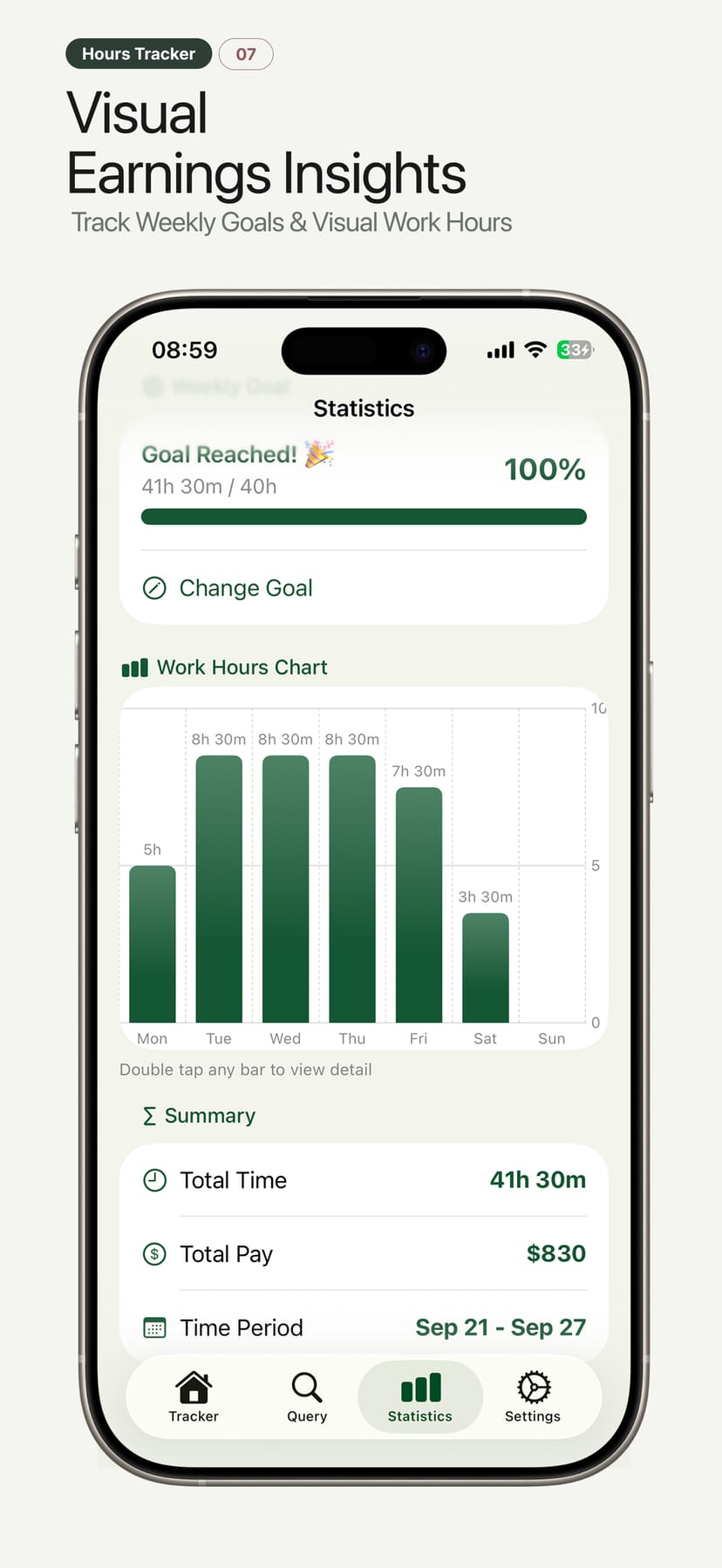
In Excel, overtime is a formula you write once, then pray nobody breaks it by inserting a row. In a tracker, overtime shows up automatically at your configured rate (1.5× by default) the moment you pass the threshold — with regular hours, OT hours, gross, tax and take-home visible per pay period.
3. Reminders that respect your shift
Spreadsheets do not remind you to clock out. A tracker can nudge you at shift start, shift end and when a session runs unusually long — which matters when your only way of knowing your hours is remembering to log them.
4. Exporting without formatting it first
The real test of a timesheet is what your employer, accountant or client receives. Tracker exports are structured PDF/CSV with totals; Excel exports are whatever your layout happened to be on Friday night.
5. Phone-first, real-time tracking
Excel is a recording tool — you transcribe at the end of the day. A tracker is a capture tool: clock in on the way into the shift, review the running total on break, export before you leave.
The head-to-head table
| Task | Excel / Sheets | Hours tracker app |
|---|---|---|
| Simple fixed 9-to-5 log | ✅ Good | ✅ Good |
| night shift across midnight | ⚠️ Manual splitting | ✅ Automatic |
| Overtime pay calculation | ⚠️ Hand-written formula | ✅ Automatic |
| Tax / take-home preview | ⚠️ Another formula | ✅ Built in |
| Multiple jobs, different rates | ⚠️ Tabs & lookups | ✅ Built in |
| Reminders to clock in/out | ❌ None | ✅ Built in |
| Clean PDF / CSV export | ⚠️ Formatting required | ✅ One tap |
| Works on iPhone, offline | ⚠️ Clunky | ✅ Native |
| Accuracy of week totals | ⚠️ Depends on formulas | ✅ Consistent |
Who should still use Excel?
Honestly: if you need custom reporting that no app provides — unusual shift patterns, complex bonus structures, custom financial modeling on top of your hours — Excel remains the flexible option. Some freelancers also prefer to keep their billing in a spreadsheet while capturing hours elsewhere.
The strongest setup for many people: capture with a tracker, analyze in Excel. Export the CSV from the app, then pivot it however you like. You get the accuracy of automation and the flexibility of a spreadsheet.
Who should switch
Switch if any of these sound familiar:
- You work nights, split shifts or rotating schedules
- You earn overtime and want the math to just work
- You manage a small team and track more than one employee
- You have lost money, or an argument, over an unprovable hour
- You want your hours private and on your phone, not in a shared cloud folder
Hours Tracker — the middle ground
Hours Tracker: Work Log & Pay captures hours accurately with one-tap clock-in, handles night shifts, calculates pay with overtime and tax, and exports clean CSV (which opens perfectly in Excel) or PDF. Get the automation, keep the flexibility.
Download: Hours Tracker on the App Store · Google Play