Time and a Half Explained: How Overtime Pay Is Calculated (and Tracked)
Time and a Half Explained: How Overtime Pay Is Calculated
Overtime is where your week starts paying real money — and where most spreadsheet errors hide. Understanding the calculation is the first step; letting an app do it reliably is the second.
What “time and a half” actually means
In its simplest form, overtime pay is 1.5× your regular hourly rate:
Overtime rate = regular rate × 1.5
$22.50/h → $33.75/h overtime
But overtime is rarely just one number. Depending on where you live and what your contract says, the threshold differs:
- Daily threshold — hours beyond 8 in a single shift pay OT (common for nurses, and in many Canadian provinces)
- Weekly threshold — hours beyond 40 in a week (standard under US federal rules)
- Night/weekend premiums — flat add-ons (e.g., +$2/h) rather than multipliers
- Holiday rates — sometimes 2× (double time)
The math, worked out
Let's build a real week for an hourly worker at $22.50/h:
| Day | Hours | Type |
|---|---|---|
| Mon | 9.0 | 8 regular + 1 OT |
| Tue | 8.5 | 8 regular + 0.5 OT |
| Wed | 10.0 | 8 regular + 2 OT |
| Thu | 8.0 | 8 regular |
| Fri | 9.0 | 8 regular + 1 OT |
| Total | 44.5 | 40 regular + 4.5 OT |
- Regular pay: 40 × $22.50 = $900.00
- Overtime pay: 4.5 × $33.75 = $151.88
- Gross pay: $1,051.88
Now add tax withholding at 18%:
- Take-home ≈ $1,051.88 × 0.82 = $862.54
Want the answer right now without a spreadsheet? Use our free Time and a Half Calculator to see your 1.5x rate and total overtime pay instantly.
That is exactly the pipeline a good hours tracker should run: regular hours → OT hours → gross → tax → take-home — and it should show the intermediate steps, not just the final number.
Why people get OT wrong in Excel
Spreadsheets make overtime errors easy:
- A formula that references the wrong row after inserting a shift
- night shifts silently splitting hours across the 40-hour boundary
- Forgetting the 1.5× multiplier on a specific job
- Copy-paste typos that nobody notices until payday
None of these are about you being bad at math — they are about manual calculation being error-prone by design. A tracker that prices overtime automatically removes the entire category of mistakes.
How Hours Tracker tracks overtime automatically
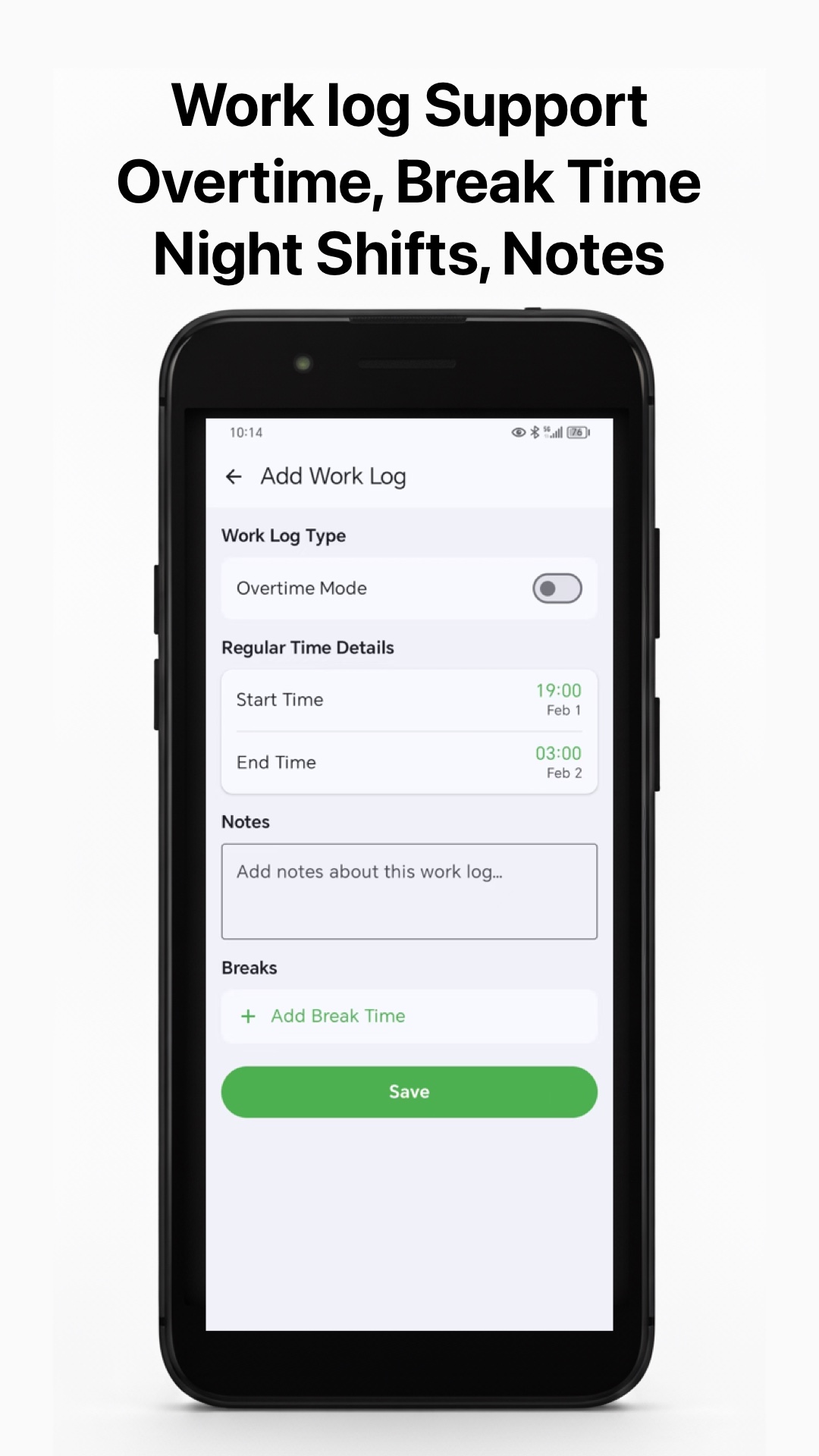
In Hours Tracker: Work Log & Pay, overtime is handled at the settings level:
- Set the hourly rate for the job (or per employee, if you manage a small team).
- Choose the overtime multiplier — 1.5× by default, but configurable (1.25×, 1.5×, 2×, or a custom value) to match your contract.
- Set your threshold (hours per shift or per week that count as regular time).
- Work. Each shift updates three numbers in real time: regular hours, overtime hours (shown in orange so it is never missed) and gross pay.
- Optional: add your tax percentage to preview deductions and take-home pay.
night shifts are priced with the same logic — a 22:00–06:00 shift that includes overtime after hour 8 stays accurate even though it crosses midnight.
OT checks before you submit your timesheet
- Do regular + OT hours add up to your total? 40 + 4.5 should equal 44.5 — a tracker shows this automatically.
- Is the OT rate 1.5× (or your contractual rate)? Verify the multiplier once, not every week.
- Did your night shift survive the week boundary? A shift on Sunday night that ends Monday must count toward the correct pay week.
- Did you take breaks? OT should only accumulate on worked time, so breaks must be deducted first.
Overtime calculation is not legal advice
Rules vary widely. US federal law uses a 40-hour weekly threshold; some states and provinces add daily rules; certain industries (nurses, trucking, salaried roles) have special exemptions. Hours Tracker lets you configure whatever multiplier and threshold your contract uses — but for anything ambiguous, confirm with your employer, payroll or a local labor authority. The app is your calculator, not your lawyer.
Let the app do the OT math
Hours Tracker calculates overtime, tax and take-home pay on every shift, free to download. Try the demo on the homepage, then download: